Prices change often, so we won't list them here. This is how to avoid buying a problem.
New or used?
- New from a known shop: costs more, but ask which warranty you get. "Shop warranty" for a few months is common here; official warranty is rare.
- Used (OLX, Facebook groups): cheaper, but test everything in person.
Checking a used PS5
- Meet in person and test it on a TV. Never pay first for delivery from a stranger.
- Check it boots, connects to Wi-Fi and plays a game for at least 15 minutes.
- Listen for loud fan noise; touch the vents for unusual heat.
- Test the disc drive if it has one, and every USB port.
- Check the controller for stick drift.
- Ask the seller to sign out and factory reset in front of you, so it isn't linked to their account.
- Check the serial on the console matches the box.
Digital or disc?
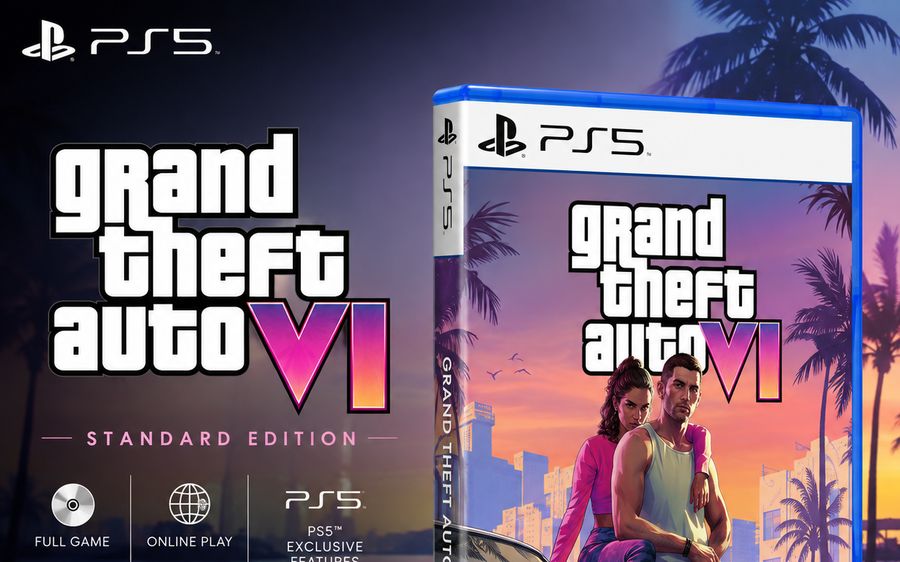
GTA 6's physical edition is a code in a box, so for this game a disc drive doesn't matter. For other games, a disc drive lets you buy used discs cheaply.
Accessories worth buying
- A UPS for load shedding.
- A stand or space with good airflow. See PS5 overheating.
- Extra storage: an M.2 NVMe SSD if you'll install several big games.