These settings help on almost any TV, and they cost nothing.
On the TV
- Turn on Game Mode. It cuts input lag, so driving and aiming feel quicker.
- Turn off motion smoothing (called "TruMotion", "Motionflow", "MEMC" and so on).
- Use the right HDMI port. For 120 Hz, use the port marked HDMI 2.1 or 4K 120.
- Turn sharpness down to 0 or near it. Over-sharpening adds halos.
On the PS5
- Settings > Screen and Video: set the video output to Automatic and run the HDR adjustment if your TV supports HDR.
- Enable 120 Hz output if your TV supports it.
- Game presets: choose between performance and resolution as your default. Performance usually feels better for fast driving.
Monitor or TV?
A 1080p or 1440p gaming monitor gives low input lag cheaply. A big TV is better for the cinematic feel. Both are fine.
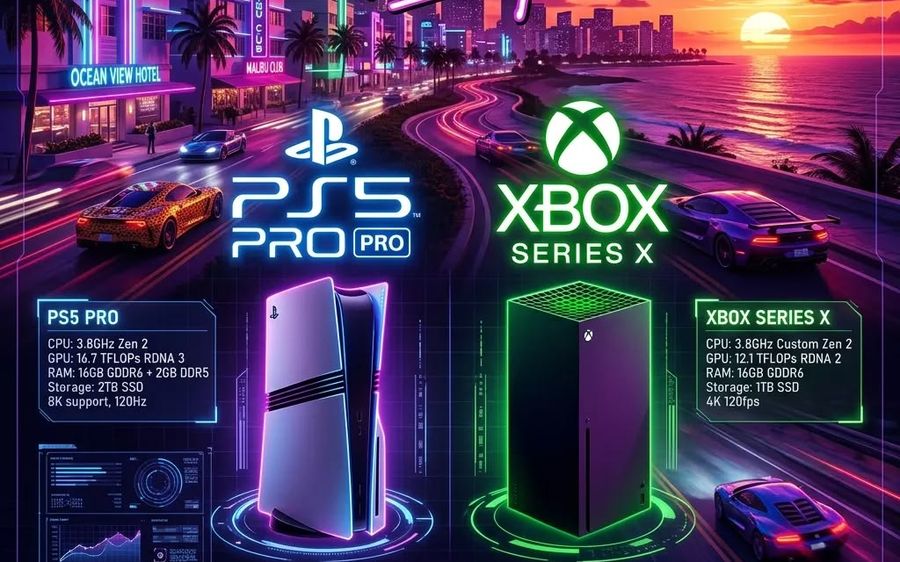
See PS5 or PS5 Pro if you're still choosing a console.